Whole-home
Folding permanent lighting into a Control4 whole-home system
A property already automated on Control4 does not need a second, separate app for the roofline. Permanent lighting integrates into the same room-by-room control the rest of the house already runs on.
What Control4 changes
A standalone Thraxel Lighting app is plenty for most households. Properties running Control4 for climate, audio, shades and interior lighting get something more: a single interface where the exterior roofline sits next to every other automated system in the house or building.
That matters most on larger residential properties and commercial jobs where lighting is one piece of a bigger automated environment, not the only one. A hotel or venue running Control4 for guest-facing systems can add exterior lighting scenes to the same touchpanel staff already use.
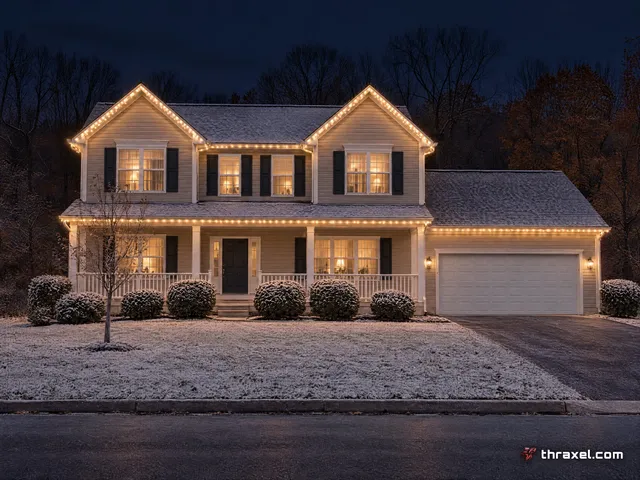
The pixels, track and wiring underneath do not change. Control4 integration is a control-layer addition on top of the same RGBWW system installed on every Thraxel job.
Where this shows up on commercial jobs
Restaurants, hotels, resorts and office parks running Control4 already can trigger an exterior lighting scene the same way they trigger interior dimming or background music: from one panel, on one schedule, without a second app open on a manager's phone.
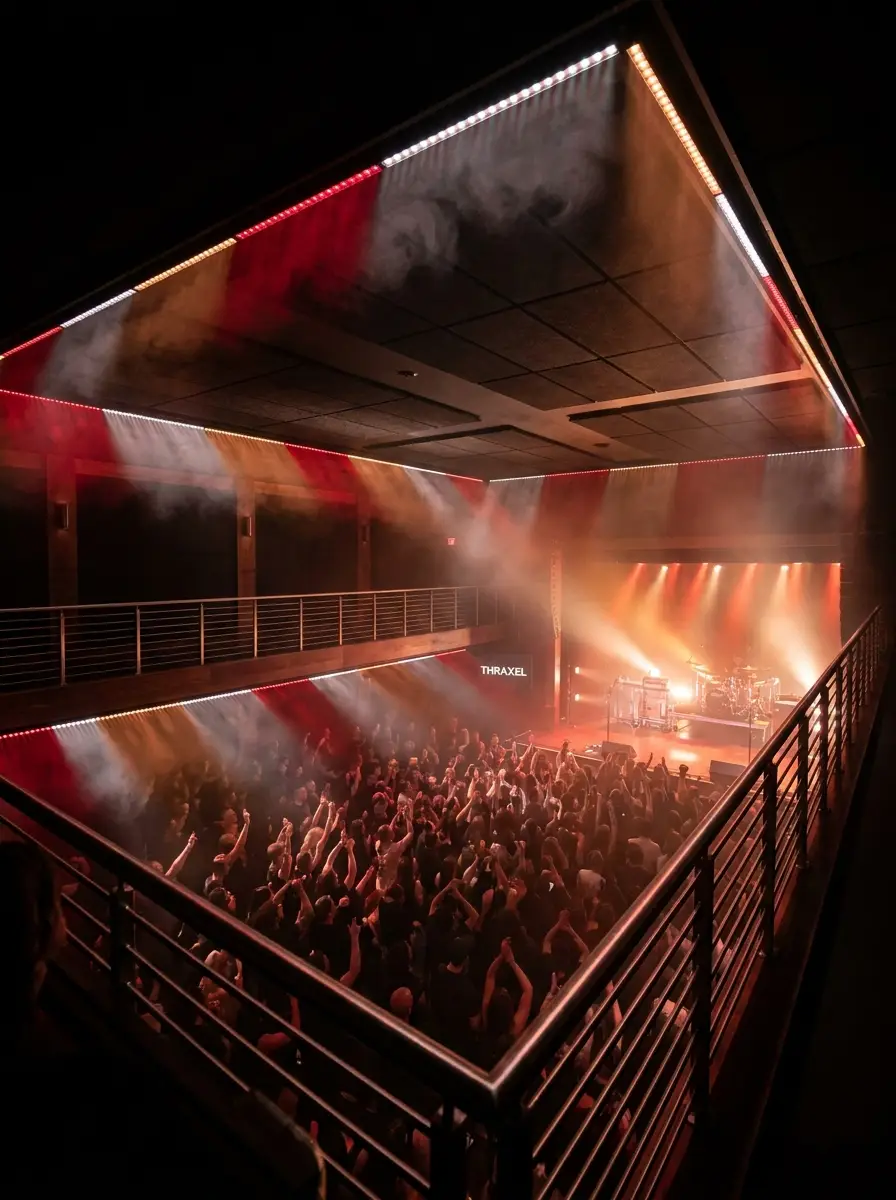
For venues, that means a game-day color scheme, a holiday display, or a return to a neutral warm-white facade can be built into an existing event-programming workflow rather than handled as a separate manual step. More on commercial lighting is at thraxel.com/blog/commercial-permanent-lighting-guide/.
HOA and community entrances running a shared automation system get the same benefit at a smaller scale, with entrance lighting scenes tied to the same schedule as gate access or common-area systems.
Residential Control4 homes
Homeowners who already invested in whole-home automation for audio, shades and climate tend to want exterior lighting on the same system rather than adding another app to a phone that already has three. Control4 integration answers that directly.
A morning routine that raises shades and adjusts the thermostat can also turn off an overnight lighting scene at the same trigger point, and an evening routine can bring the roofline up at the same moment interior lights dim for dinner.
This is a preference, not a requirement. Homes without Control4 run the Thraxel Lighting app on its own with no loss of function, and Alexa, Google Home or Apple HomeKit cover voice control the same way. See thraxel.com/blog/alexa-google-homekit-lighting-control/ for that comparison.
Setting it up
Integration happens after the physical install, during the same onboarding window as any other control pairing. It does not add time to the ladder work, since it is a software step handled once the system is live.
Properties with an existing Control4 programmer or integrator on staff or on contract usually loop that person in during the consult so the lighting scenes land in the automation system exactly where the property wants them.
Thraxel's install crew wires and mounts the physical system; the integrator handles how it appears inside Control4's programming environment. Coordinating the two during the same project window avoids a second visit later just to finish the software side.
Who this is for
Control4 integration makes the most sense for commercial properties already running whole-building automation and for residential customers who have already committed to Control4 for other systems. It is one more device on a platform they are already paying to run.
For a household starting from zero on smart home platforms, the Thraxel Lighting app plus a voice assistant is usually the simpler and cheaper path in, with Control4 available later if the rest of the house grows into it.
Commercial property owners weighing lighting for a venue, hotel or office park can start with a walkthrough of what is possible at thraxel.com/permanent/, or reach AJ directly on the commercial line at 240-730-4064.